See it on
you
before
you buy it.
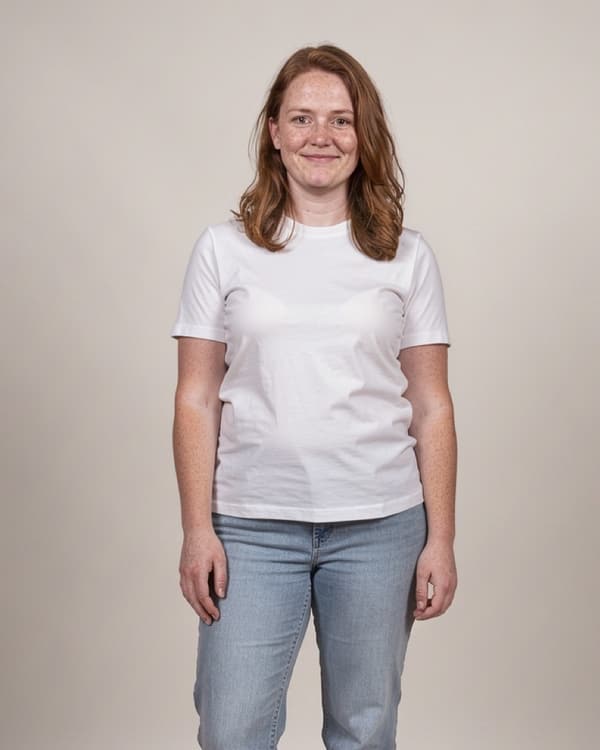
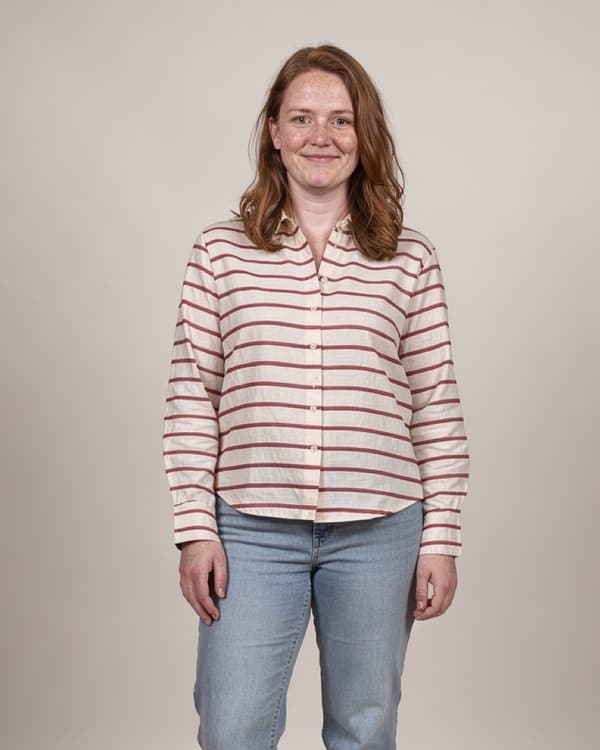
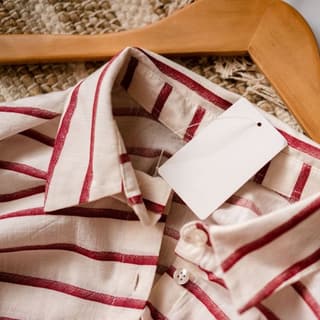
Share a product photo from your browser or a store app, or screenshot it. See it on your own photo, then keep it or skip it.

No account.
No subscription.
Three steps. About a minute and a half.
-
1Any piece. Even a store screenshot.
From Photos, a pasted screenshot, or straight from a store: in Safari or a store app, long-press the photo, tap Share, then Try it on in Onsee.
-
2On you in about a minute and a half.
Your own photo, not a model. You can leave the app while it fits; your look waits for you for an hour.
-
3Keep it or skip it.
Decide before you pay, not after it arrives.
- keep
- Saves the look to Photos.
- skip
- Takes the look away. Your photo stays.
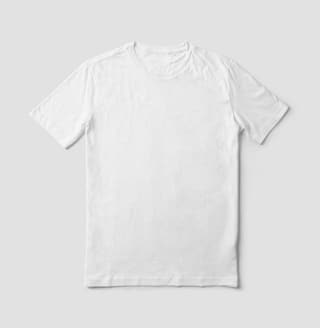
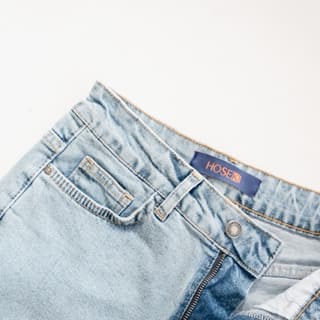
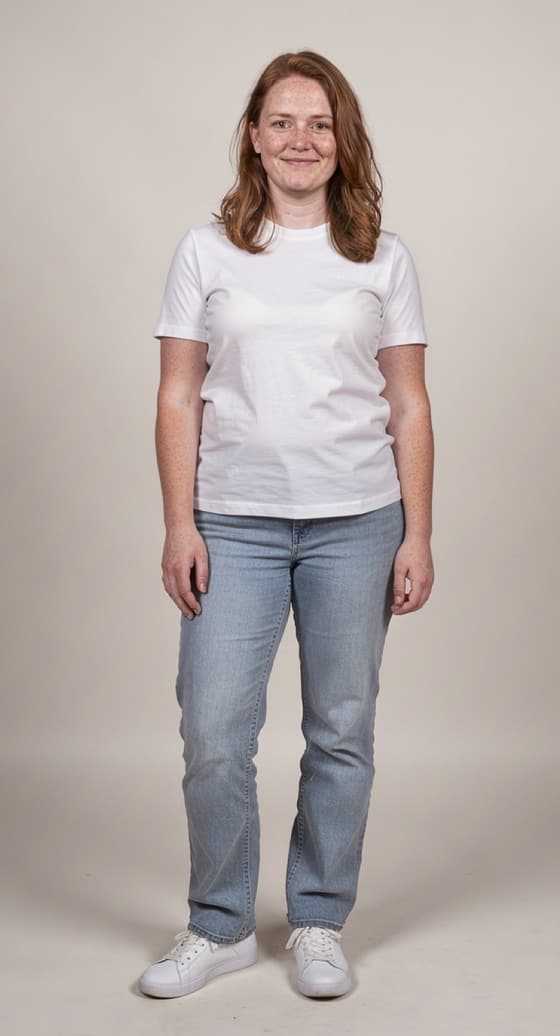
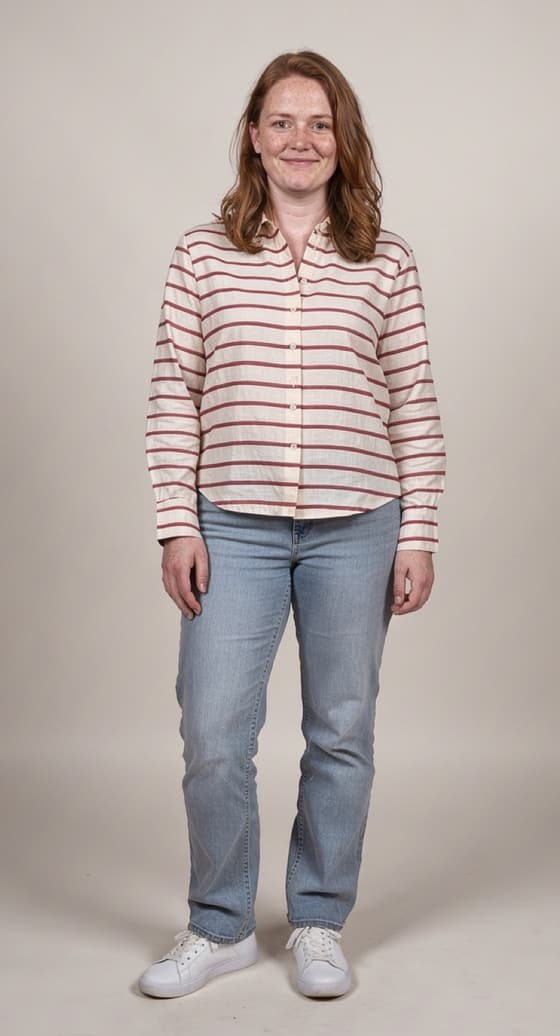
Tap a piece. Only that piece changes.
Swap the shirt and everything else stays: her face, the jeans, the background. In our tests, 99.6 to 100% of the photo outside the piece stayed the same.
What Onsee won’t do
Ask you to sign up.
No account, no email, no password. Your tries stay with your iPhone.
Charge you every month.
No subscription. Buy tries when you want more. They don’t expire.
Change your face or your body.
Only the piece you picked changes. Your photo of you is kept only on your iPhone.
Store your photos on our server.
Your photos are used only to make your look and are never saved on our server. The finished look is deleted as soon as your iPhone has it, within an hour at most. How we handle your photos
Pay per try.
Your first 3 tries are free. One try is one look or one swap.
- 20 tries
- $3.99
- about 20¢ a try
- 60 tries
- $8.99
- about 15¢ a try
Tries don’t expire. A try is used only when a look is made: if a look fails or takes too long, nothing is spent. US prices; the App Store shows the price where you are.
Tried on.
Not bought yet.
For iPhone.